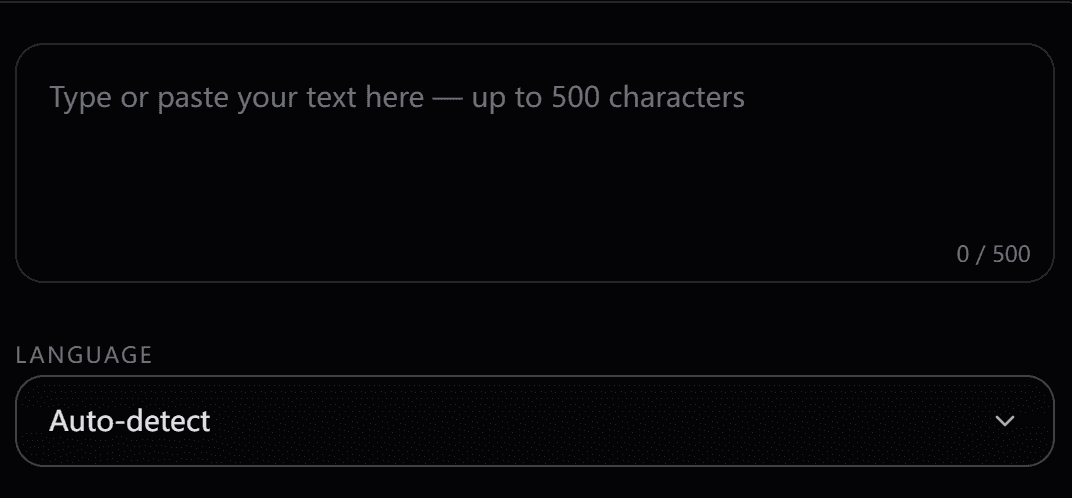
Step 1
Write a Voice Description
Use natural language to specify what you want: gender, age, pitch, speaking style, and accent. You can be as simple as “female, British accent” or as specific as “elderly male, very low pitch, slow, slightly raspy.”
 VoxCPM2
No microphone or audio sample needed. Just describe the voice you want — "female, low pitch, British accent, calm" — and VoxCPM2 creates a matching speaker from scratch, with multilingual output across 30 languages. If you're new, start with VoxCPM2.
Each card is a text-only voice specification — no reference recording is required for VoxCPM2 Voice Design.
Description
Female, Child
Voice Design — no audio reference used
Description
Male, High Pitch, Indian Accent
Voice Design — no audio reference used
Description
Female, Elderly, British Accent
Voice Design — no audio reference used
Description
Male, High Pitch, Elderly
Voice Design — no audio reference used
Step 1
Use natural language to specify what you want: gender, age, pitch, speaking style, and accent. You can be as simple as “female, British accent” or as specific as “elderly male, very low pitch, slow, slightly raspy.”
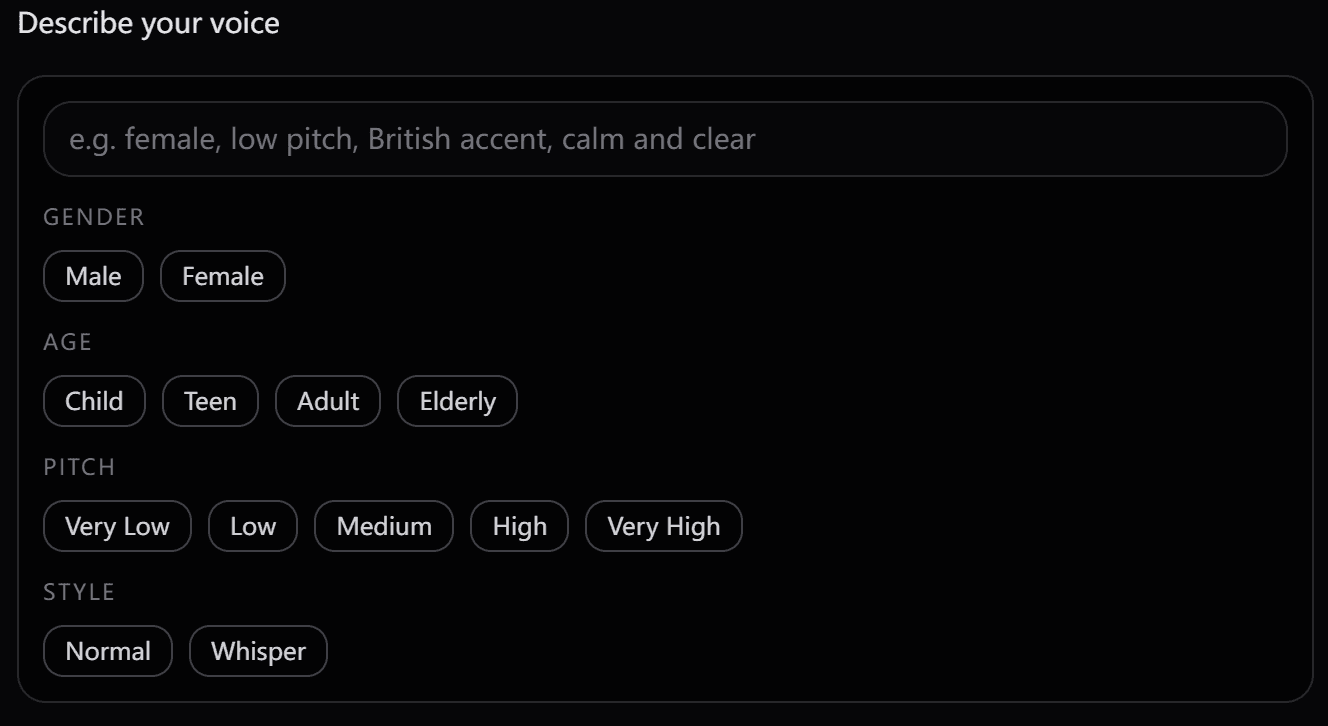
Step 2
Not sure how to phrase it? Use the attribute selector to click-select gender, age, pitch, style, and accent. The selections auto-populate your description — or you can mix manual text with selected tags.
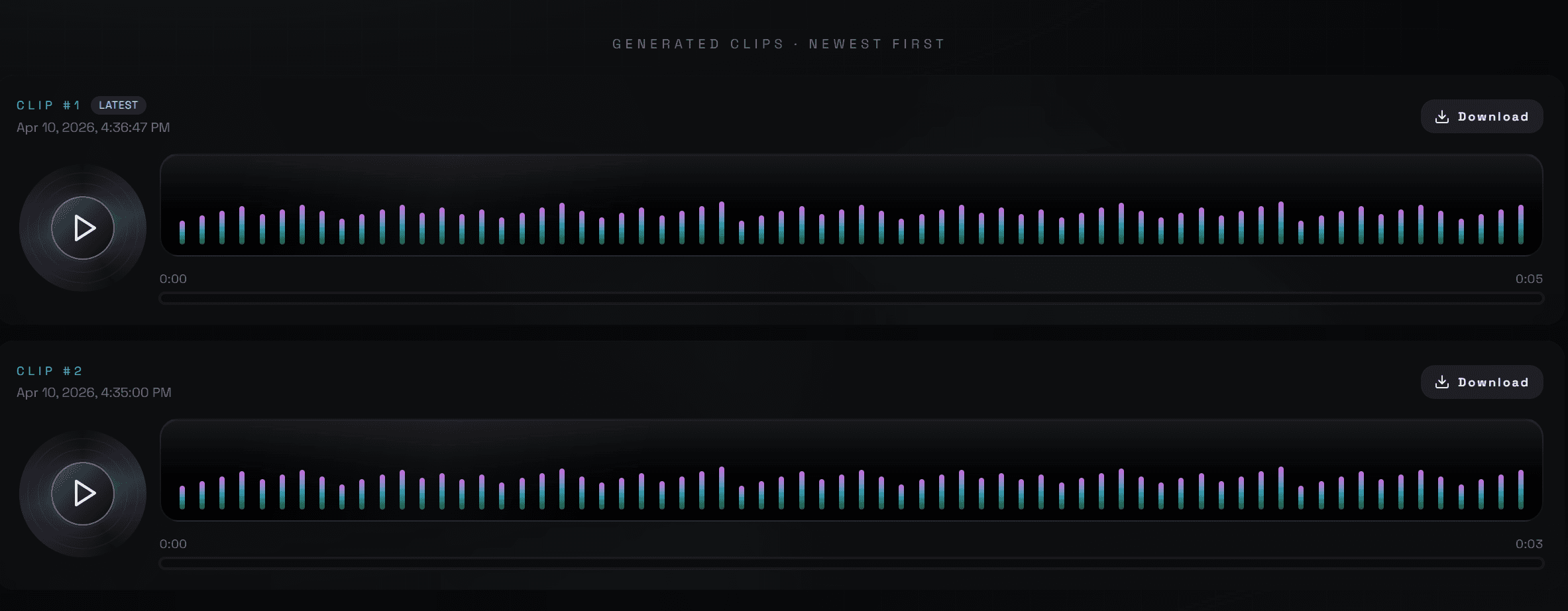
Step 3
Click Generate Speech. VoxCPM2 synthesizes a voice that matches your description — no reference audio, no waiting for training. Download as .wav or use it immediately.
VoxCPM2 Voice Design gives you direct control over voice dimensions. Mix and match attributes to create a voice that fits your exact use case.
Controls the fundamental voice character.
Affects voice texture, speed patterns, and natural cadence.
Adjust the fundamental frequency of the generated voice independently from gender.
“Normal” for standard narration; “Whisper” for intimate, close-mic styles.
Live preview
You selected: Pick tags above…
→ Result description: -
All attributes can also be written as free text — describe what you want in any order.
When to use
Not ideal for
When to use
Not ideal for
The friendly mythical God, Zeus, with a huge deep powerful voice. Charming, proud, strong and theatrical.
A low, whispery and assertive female voice with a thick French accent. Cool, composed and seductive, with a hint of mystery.
A calm and husky male warrior with a thick Japanese accent. Soft, whiskey low tone and gentle pacing.
A funny alien from outer space with a ludicrous and annoying voice that gargles in a high pitch tone.
A scary old witch who is sneaky and menacing. Croaky, harsh and shrill with a high-pitch cackle.
A very old, cranky and croaky grandma. Very hoarse, grumpy, shrill and frustrated tone.
Start with transparent credit-based pricing for Text to Speech, Voice Cloning, and Voice Design, then choose the plan that fits your usage.
2 credits (≈ 200 characters / 16 seconds)
(one-time)
800 credits (≈ 80,000 characters / 1.8 hours)
$0.012 per credit
(one-time · most popular)
3,000 credits (≈ 300,000 characters / 4.5 hours)
$0.009 per credit — save 20% vs Basic
(one-time · best value)
6,000 credits (≈ 600,000 characters / 12 hours)
$0.008 per credit — save 50% vs Basic
Credits never expire on any paid plan. Outputs from Basic, Pro, and Business are licensed for commercial use under our Terms.
Choose one-time credits • No subscription or auto-renewal
VoxCPM2 AI Voice Design creates a synthetic voice from a text description alone — no audio sample or recording required. Describe the speaker traits you want, such as pitch, accent, age, and tone, and VoxCPM2 generates a new voice profile for testing or production.
No. Voice Design is specifically designed for cases where you don't have any audio. Just describe the voice in text — gender, age, pitch, accent, and style — and VoxCPM2 builds it. If you do have an audio sample, use Voice Cloning instead.
You can control gender (male/female), age (child/teen/adult/elderly), pitch (very low to very high), speaking style (normal/whisper), and accent (American, British, Australian, Indian, and more). All attributes can be combined in natural language or selected via click-to-tag interface.
Voice Design creates a new voice from a text description — no audio required. Voice Cloning replicates an existing voice from a short reference recording. Use Voice Design when you want to build a fictional or brand voice; use Voice Cloning when you have a recording of the target speaker.
Voice Design includes free starter credits on VoxCPM2 for evaluation. Paid hosted plans are available when you need more output or commercial-use rights.
Yes. After creating a voice with Voice Design, you can test speech in any of VoxCPM2’s 30 supported languages using that voice. The specified voice traits are used as guidance across language outputs.
Paid VoxCPM2 plans include commercial-use rights for hosted outputs. The open-source VoxCPM2 model is released under Apache 2.0 for teams that want to self-host.